B2B Design Partner That Thinks Like a Strategist.

We build websites that function as business assets, not marketing decoration.

Worked with B2B brands & agencies like

Human-Led.
AI-Assisted.

No shortcuts on quality. No generic designs.

Strategy Before Design.

We position before we design. Your website reflects the business you have actually built.

Lightning Fast

Our workflows cut delivery time in half. On average a project takes 1-2 weeks, not months.

Full Ownership

You work directly with the person building it. No handoffs, no juniors, no outsourcing.

Go live in few hours

Checkout our official templates

Denver — Enterprise Consulting Website Template

Designed for consulting firms, strategy teams, and professional services brands.

View Template

Northbridge — Venture Capital Firm Website Template

We position before we design. Your website reflects the business you have actually built.

View Template

Speak Up — Coaching Webinar Website Template

Designed for public speaking coaches and course sellers.

View Template

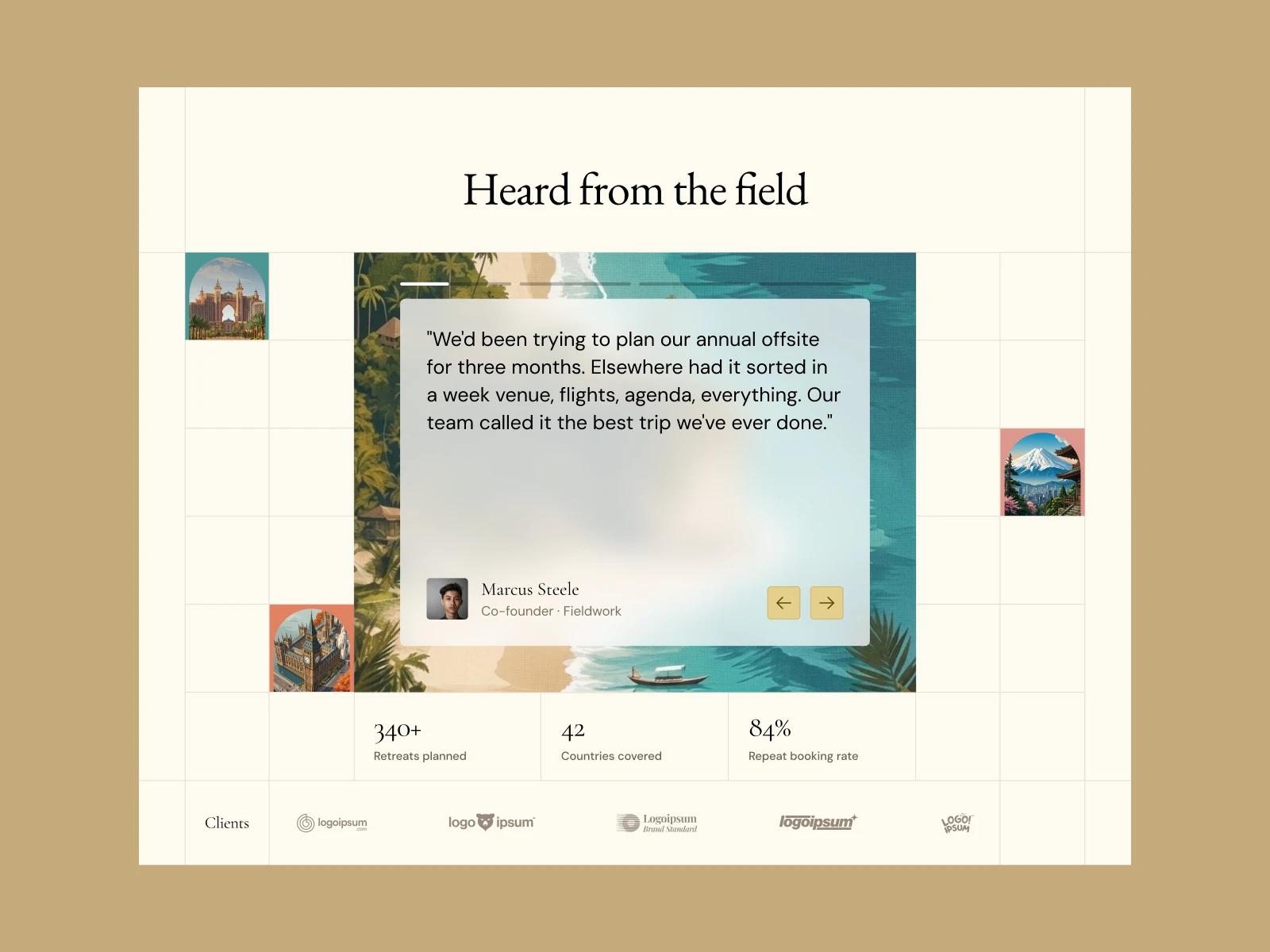
What other founders think

"A week to design and develop a website that exceeded all expectations. I've worked with 10+ designers including well-known ones. Aryan is one of the best. If you want conversions and a beautiful website, he's your guy"

James Benjamin

Founder & CEO at Framify

"Clear, professional, and easy to use. Aryan responds fast and delivers great work. Reliable and easy to work with."

James Benjamin

Founder & CEO at Framify

“Working with Aryan has been amazing. Speed + Quality personified. He delivered more than i could've expected. Would recommend him to everyone looking for a crazy website”

James Benjamin

Founder & CEO at Framify

What other founders think

"A week to design and develop a website that exceeded all expectations. I've worked with 10+ designers including well-known ones. Aryan is one of the best. If you want conversions and a beautiful website, he's your guy"

James Benjamin

Founder & CEO at Framify

"Clear, professional, and easy to use. Aryan responds fast and delivers great work. Reliable and easy to work with."

James Benjamin

Founder & CEO at Framify

“Working with Aryan has been amazing. Speed + Quality personified. He delivered more than i could've expected. Would recommend him to everyone looking for a crazy website”

James Benjamin

Founder & CEO at Framify

What other founders think

"A week to design and develop a website that exceeded all expectations. I've worked with 10+ designers including well-known ones. Aryan is one of the best. If you want conversions and a beautiful website, he's your guy"

James Benjamin

Founder & CEO at Framify

"Clear, professional, and easy to use. Aryan responds fast and delivers great work. Reliable and easy to work with."

James Benjamin

Founder & CEO at Framify

“Working with Aryan has been amazing. Speed + Quality personified. He delivered more than i could've expected. Would recommend him to everyone looking for a crazy website”

James Benjamin

Founder & CEO at Framify

FAQ's

How do I draw Frames?

To draw a Frame, click on Layout in the Toolbar, then select Frame. Now, you can click and drag anywhere on the Canvas.

How do I add images?

To add an image, select any Frame, and either double-click on it, or go to the Fill property. In the Fill property, switch to the image icon. Here, you can upload images.

How do I add videos?

To add a video to your site, click the “Insert” button and navigate to the “Media” section. Then, drag and drop a video component onto the Canvas.

FAQ's

How do I draw Frames?

To draw a Frame, click on Layout in the Toolbar, then select Frame. Now, you can click and drag anywhere on the Canvas.

How do I add images?

To add an image, select any Frame, and either double-click on it, or go to the Fill property. In the Fill property, switch to the image icon. Here, you can upload images.

How do I add videos?

To add a video to your site, click the “Insert” button and navigate to the “Media” section. Then, drag and drop a video component onto the Canvas.

FAQ's

How do I draw Frames?

To draw a Frame, click on Layout in the Toolbar, then select Frame. Now, you can click and drag anywhere on the Canvas.

How do I add images?

To add an image, select any Frame, and either double-click on it, or go to the Fill property. In the Fill property, switch to the image icon. Here, you can upload images.

How do I add videos?

To add a video to your site, click the “Insert” button and navigate to the “Media” section. Then, drag and drop a video component onto the Canvas.